
Online Accounting
Accounts, invoices, delivery notes, stock, cash/bank and production on one screen · 90 days free
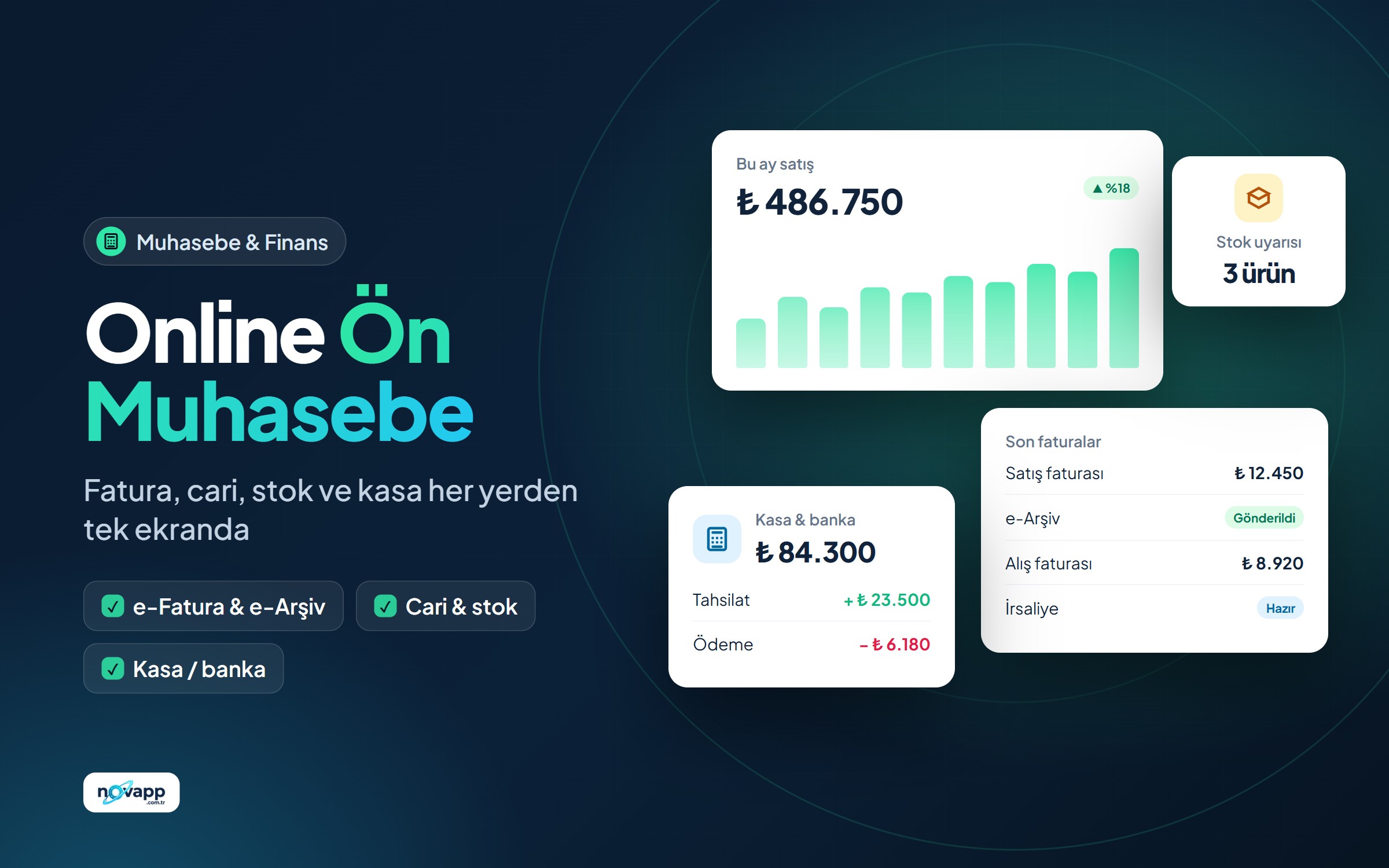
Web-based accounting for small and medium businesses: customer and supplier accounts with statements, invoices, delivery notes, quotes/orders, cheques and promissory notes, cash and bank, multi-warehouse stock, recipe-based production and reports. Works in the browser, from anywhere.
-
Idea
-
Planning
-
In development
-
Beta
-
Released
Product overview
Why?
To move a business's day-to-day financial tracking out of spreadsheet chaos into a simple panel you can reach from anywhere.
What's included?
- Accounts: Customer and supplier cards, contact people, balances and an account statement you can sort by date or account code.
- Documents: Invoices, delivery notes, quotes and orders. Delivery notes and quotes turn into invoices in one click and can be edited before saving.
- Collections and payments: Collections and payments, a cheque and promissory note portfolio, cash registers and bank accounts.
- Stock and warehouses: Product cards with categories, multiple warehouses, transfers between warehouses and low-stock warnings.
- Production: Recipes and production orders; finished products go into stock and raw materials are deducted.
- Reports and templates: A reporting centre, document print templates with your own logo, bulk data import via Excel/CSV.
- Users: Role-based permissions; "can view" and "can edit" are set separately for each module.
Dashboard
Latest invoices, accounts receivable and payable, recent activity, charts, notes and a to-do list at a glance.
Who is it for?
- Shopkeepers and SMEs
- Workshops and small manufacturers
- Businesses that want to send tidy data to their accountant
Status
Version 1.1 is used every day in a real business. Development continues with user feedback.
Key features
- Customer/supplier accounts and account statements
- Invoices, delivery notes, quotes and orders
- Turn delivery notes and quotes into invoices
- Collections / payments, cheque and promissory note tracking
- Cash and bank accounts
- Multi-warehouse stock and warehouse transfers
- Low-stock warnings
- Recipe-based production and production orders
- Reporting centre and dashboard with charts
- Document print templates with your logo
- Bulk data import via Excel / CSV
- Role-based user permissions
- Your own document designs (invoice, delivery note, quote)
- Printing with amount in words and bank accounts
- Insufficient stock warning on sales
- Balance check with one-click fix
- Search, filters and paging in lists
- One-click and automatic daily backups
- Handy card view on mobile
Development status
30 / 34 steps completed
Done
30-
Requirements analysis and module list
-
Database schema
-
Accounts moduleAccount cards, contact people and account statements.
-
Invoice module
-
Delivery note moduleEditable conversion from delivery note to invoice.
-
Quotes and orders module
-
Collections / payments, cheques and promissory notes
-
Cash / bank module
-
Stock, product categories and warehouses
-
Recipe-based production
-
Reports and dashboard with charts
-
Document print templates
-
Data import via Excel / CSV
-
Role-based user permissions
-
Better design for account statement printoutsThe statement will also use the document designer.
-
Correct date sorting in lists
-
One-click database backupDownload a backup from the panel and automatic daily backups.
-
Insufficient stock warning on salesWarning when a product without enough stock is added to an invoice; negative stock report.
-
Account balance checkerRecalculate balances from invoices, collections and cheques and show the differences.
-
Search, filters and paging in listsDate range, type and account filters in invoice, delivery note, quote and product lists.
-
Handy view on phones and tabletsTables switch to cards on small screens; amounts and action buttons are always visible.
-
Foreign currency transactionsExchange rate on invoices, tracking account balances by currency.
-
A friendlier left menuQuick action buttons, simple always-open links, collapsible settings.
-
Correct time zone (Turkey time)Fixed the default date showing the previous day after midnight.
-
Your own print design for every documentCustomisable templates for invoices, delivery notes, quotes and statements: fields, layout, colours, logo and texts.
-
Product names with quotes getting cut off when editing
-
Cloud edition: a separate database for each companyMany companies on one installation; each company's data in its own database.
-
Ready to use as soon as you sign upSign up on the main site and your company is set up in seconds, with a 90-day free trial.
-
Yearly membership and payment noticesBank transfer notice, approval in the admin panel, membership extended by 1 year; read-only when it expires.
-
Membership e-mails (welcome, expiring soon, payment approved)
In progress
2-
Shared, consistent designThe menu, mobile card view and shared base styles are done; merging the modules' own styles into one design file remains.
-
e-Invoice / e-Archive integrationPreparing, checking and sending invoices in GİB format is ready; each customer will choose their own integrator. Real integrator connections are being added one by one.
To do
2-
Sequential, per-year invoice numbersThe number is for internal tracking for now; the official number comes from e-Archive. Low priority for now.
-
Online card payment (iyzico / PayTR)
Development log
-
New feature
Payments from Booking
- If you use novapp Booking, its payments come into your accounting in one click
- A customer account card is created automatically; the payment is recorded on it and in the cash / bank account you choose, and balances are updated
- A payment deleted in Booking is reversed here too; records you entered yourself are never touched
-
New feature
Incoming e-invoices and purchase returns
- Upload and review e-Invoice and e-Archive XML files received from suppliers, and save them as purchase invoices in one click; if the supplier isn't on file, an account card is opened automatically and products with matching names go into stock
- Purchase Return Invoice for goods returned to a supplier: it reduces stock, corrects the account balance and can be sent as an e-document return invoice
-
Progress
e-Invoice / e-Archive groundwork ready
- Invoices are prepared in the format GİB requires and checked against the official schema before sending
- e-Invoice is chosen automatically if the buyer is registered, otherwise e-Archive
- Sales, exempt and withholding invoices; missing details are flagged before sending
- You will choose your own integrator in Settings; real integrator connections are being added one by one
-
New feature
Foreign currency invoices and collections
- Issue invoices in USD, EUR, GBP and CHF; the Central Bank (TCMB) rate comes in one click and you can change it
- Account balances are kept correctly in their TL equivalent; statements show the currency amount and rate
- Collections and payments to foreign currency cash/bank accounts
- Exchange rate and TL equivalent on printed invoices
-
New feature
Account statement design
- Print account statements with your own design, just like invoices: logo, colours, columns, notes and signature areas
- Balance brought forward at the start of the period and a running balance on every line (D/C)
- A ready-made reconciliation note and an "Account Approval" signature area
-
New feature
Password reset and a single password
- "Forgot my password" and password change from My account on your novapp account
- The new password automatically works for your accounting login too
-
New feature
90-day free trial and yearly membership
- A separate database is set up instantly for every company that signs up on novapp
- The first 90 days are free, then 990 TL a year (bank transfer)
- Reminder e-mails 15, 7 and 1 day before the membership ends
-
New feature
Membership e-mails
A company that signs up receives a welcome e-mail with its company code and sign-in details. Reminders are sent 15, 7 and 1 day before the trial or membership ends, and when it expires. The customer is informed by e-mail when a payment notice is received, approved or rejected.
-
New feature
Cloud edition: sign up and start right away
Accounting now serves many companies from a single installation, and each company's data is kept in its own separate database. When a company signs up on the site, its accounting workspace is set up automatically in a few seconds and a 90-day free trial starts. From My account you can open the program in one click, see the remaining time and report your yearly membership payment.
-
Version v1.2.0
Version 1.2
- Document designer: your own print designs for invoices, delivery notes and quotes, with live preview
- Grand total in words, bank accounts and signature areas in print
- Insufficient stock warning on sales
- Balance check: comparing and fixing account, cash and bank balances against activity
- Search, filters, paging and one-click printing in lists
- One-click backup and automatic daily backups
- New left menu and card view on phones
- Extensive security improvements
-
New feature
Search and filters in lists
Invoice, delivery note and quote lists now have search by document number or account name, type and status filters, a date range and paging. The number and total amount of the filtered records are shown above the list, and every document can be printed in one click.
-
New feature
Stock warning and balance check
When issuing a sales invoice or delivery note, a warning appears on the line if the quantity exceeds stock, and you are asked to confirm when saving. Reports > Balance Check recalculates account, cash and bank balances from all activity and compares them with the stored values; if there is a difference it fixes it in one click, taking a backup first.
-
New feature
Document designer: design your own invoice
Under Settings > Print Templates you can design your own print layout for invoices, delivery notes and quotes: logo and its position, colours, font, A4/A5 paper, which details and table columns appear, column headings, the order of sections, footnotes, bank accounts and signature areas. Changes are previewed live with your latest document, and you can pick any template when printing. The grand total is now also written out in words.
-
Fix
Security and stability fixes
Automatic updates were made safer, unnecessary files were removed and data printed on screen was made safe. Product names containing quotes (e.g. 1/2") are no longer cut off when editing a document. The screen can now be zoomed on phones.
-
New feature
One-click backup and automatic daily backups
All data can be downloaded to your computer as a single file from Settings > Backup. The system takes a backup automatically at the first sign-in each day and keeps the last 14 days. Dates and times are now always in Turkey time.
-
New feature
New left menu
The left menu is simpler: New Invoice, Collection, Add Account and Add Product buttons at the top; below them, pages grouped under short headings and reachable in one click. Settings sit in a collapsible group at the bottom. It is comfortable on phones too.
-
Fix
Extra security for saving and deleting
Every save, edit and delete is now verified with a secret security token. A link or form on another site can't use your open session to act on your behalf.
-
Fix
Security improvements and correct sorting
Login and session security were strengthened: failed attempts are limited, inactive users can't sign in, and password reset is safer. Invoice, delivery note, quote and cash activity are now sorted by date.
-
Progress
Improvements from user feedback
Account search on the invoice, quote and cheque screens; editable conversion from delivery notes and quotes to invoices; account activity sorted by date or account code; product categories and a dashboard with charts were added.
-
Version v1.1.0
Version 1.1 released
- Setup wizard
- System version and update screen
- First live installation: the program is now used in a real business
-
New feature
Production and password reset
Recipe-based production and production orders were added. Users can reset their password by e-mail, and document print templates can be designed.
-
New feature
Core modules ready
The accounts, invoice, cash/bank, cheque/promissory note, warehouse, Excel import and user management modules are complete.