
Nova Lyrics & Backing Track Video Maker
Add scrolling karaoke lyrics to your backing track and make YouTube and Reels videos — no watermark, offline
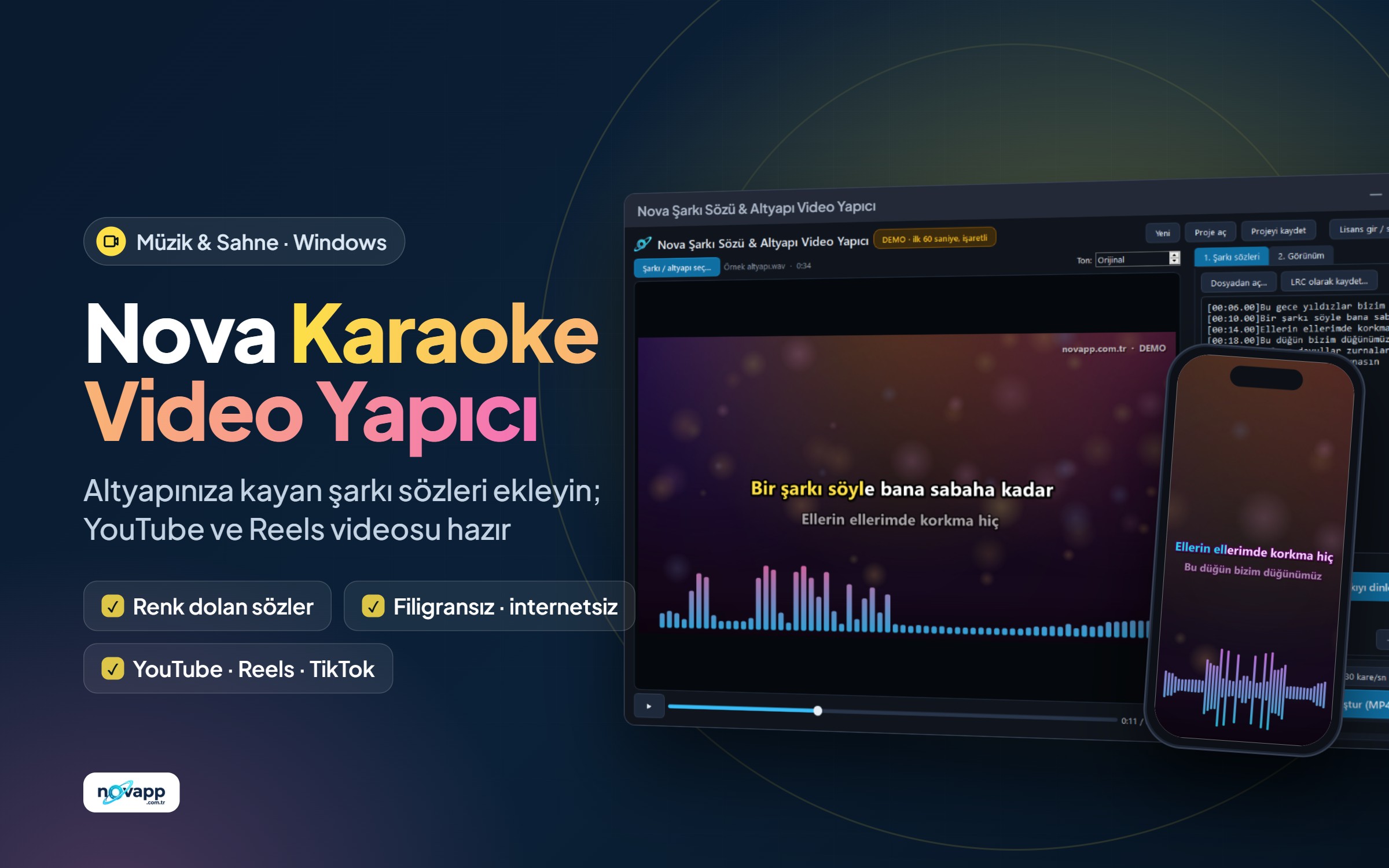
Adds timed karaoke lyrics with a colour sweep, a background picture and a sound spectrum that moves with the beat to a backing track or song, and makes an MP4 video. YouTube, Instagram Reels, TikTok and Shorts formats. No watermark, no subscription, no internet needed.
No sign-up needed · Windows · v1.0.1 · 65 MB
-
Idea
-
Planning
-
In development
-
Beta
-
Released
Product overview
The backing track is ready, now the video
You have your backing track; now you want to upload it to YouTube as karaoke, show it with lyrics on the screen behind the wedding stage, or share it on Instagram. Online video tools stamp their watermark on every video and ask for a monthly subscription in dollars. Nova Lyrics & Backing Track Video Maker does it on your computer, with a one-time licence and no watermark.
How it works
- Drag the backing track or song (MP3, WAV, FLAC, M4A, OGG or a video file) into the program. The backing track from Nova Vocal Remover opens directly.
- Paste the lyrics. If you have a timed LRC or SRT file, just open it.
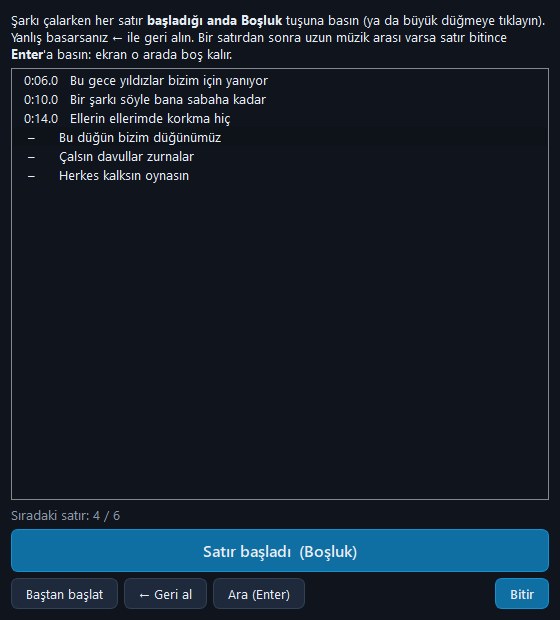
- For lyrics without times press Time the lyrics: while the song plays you press Space when each line starts, that's all.
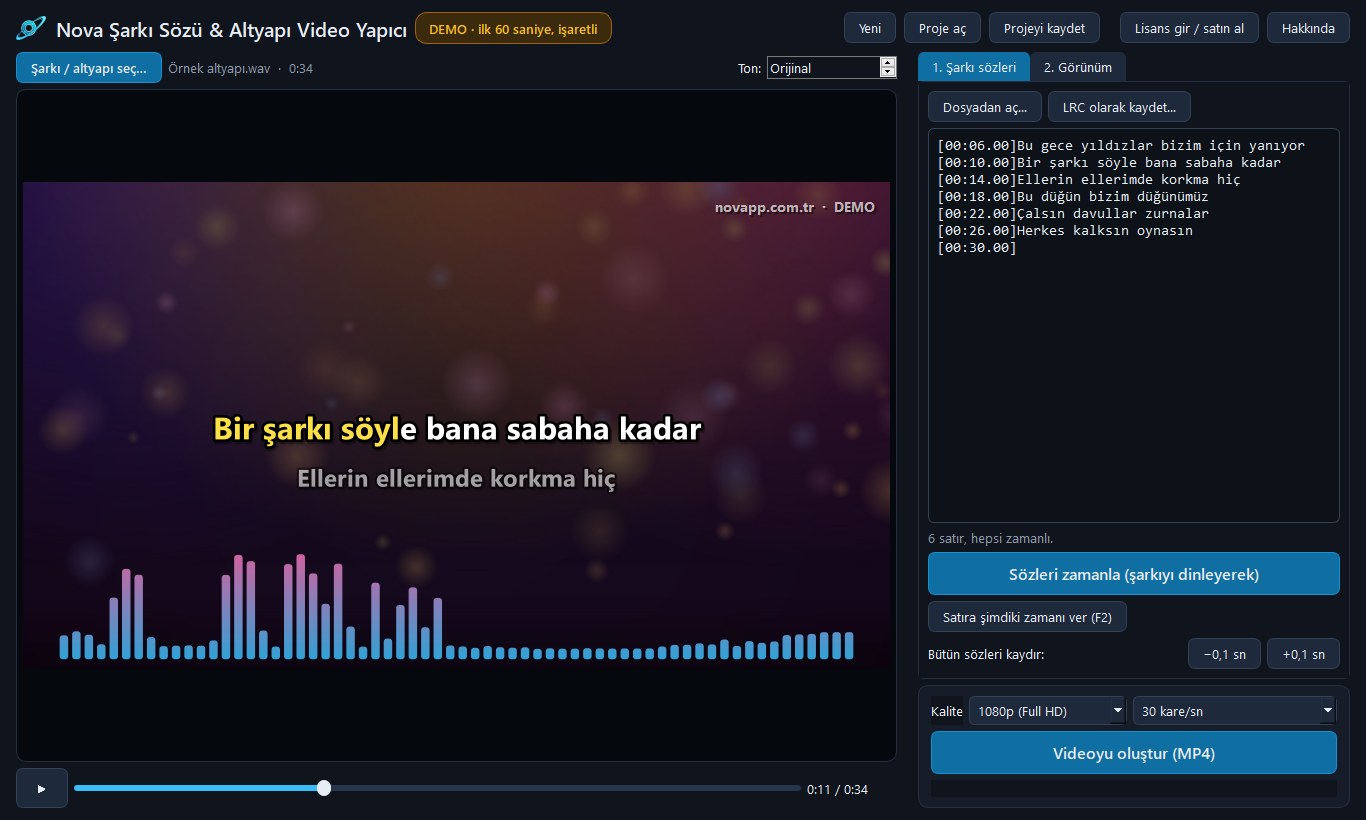
- Pick a ready look, or set the background, colours, font and spectrum yourself. What you see in the preview is exactly what the video will be.
- Press Make the video: your MP4 is ready.
What's inside
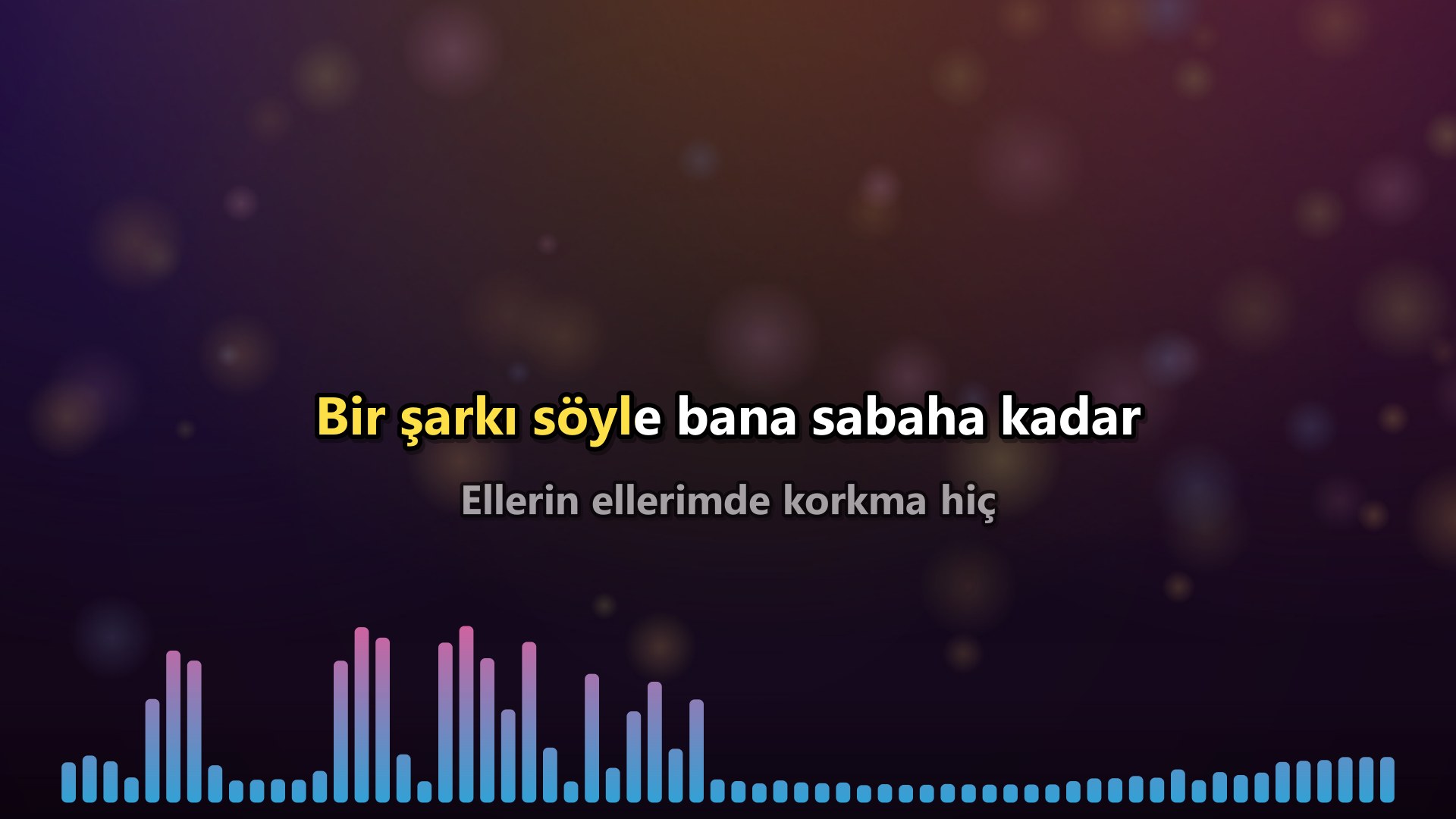
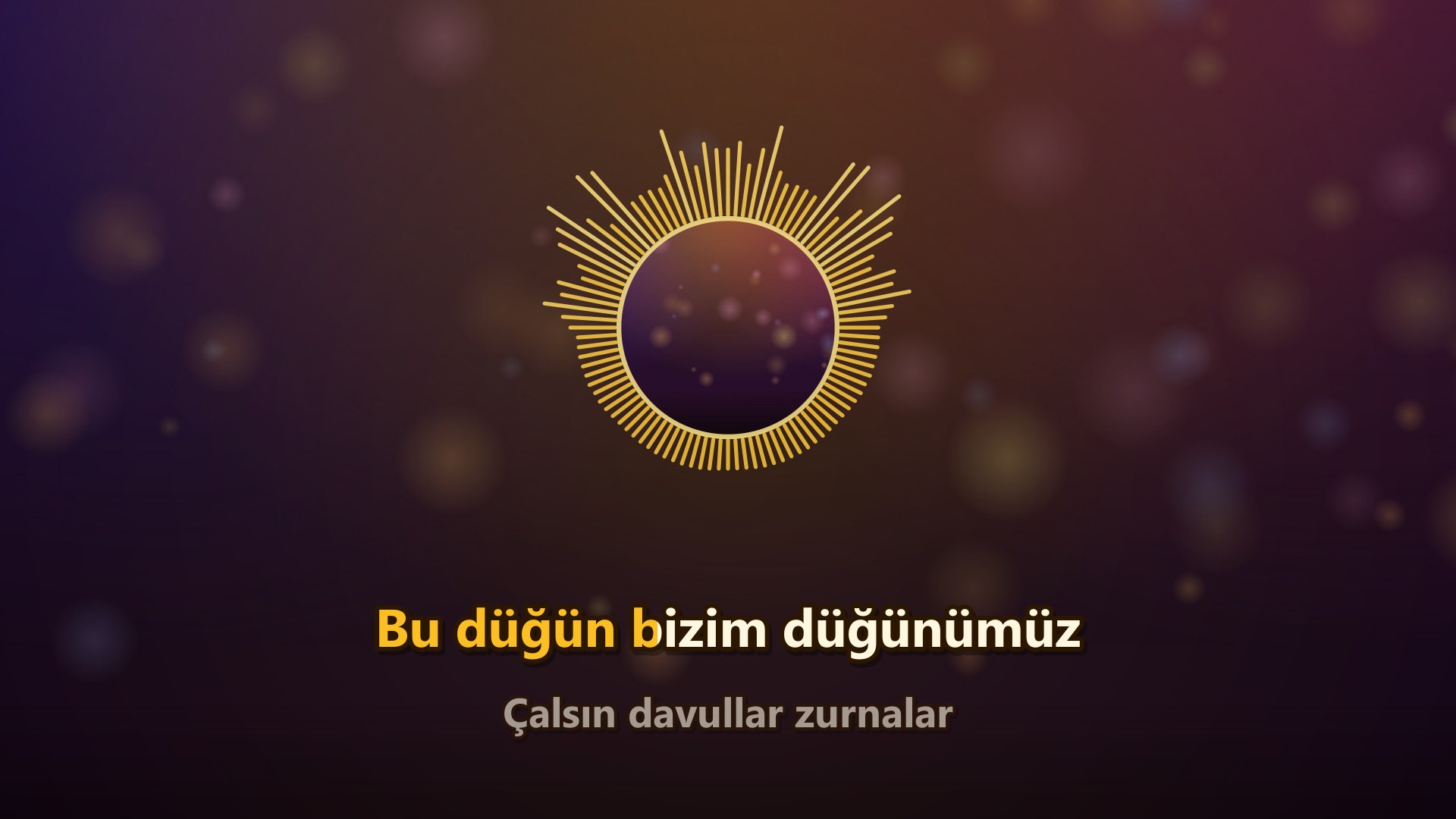
- Karaoke lyrics with a colour sweep: the sung part fills with colour; the next line shows below. A ● ● ● count-in after musical breaks.
- Three lyric styles: two-line karaoke, scrolling lyrics or a single subtitle-like line.
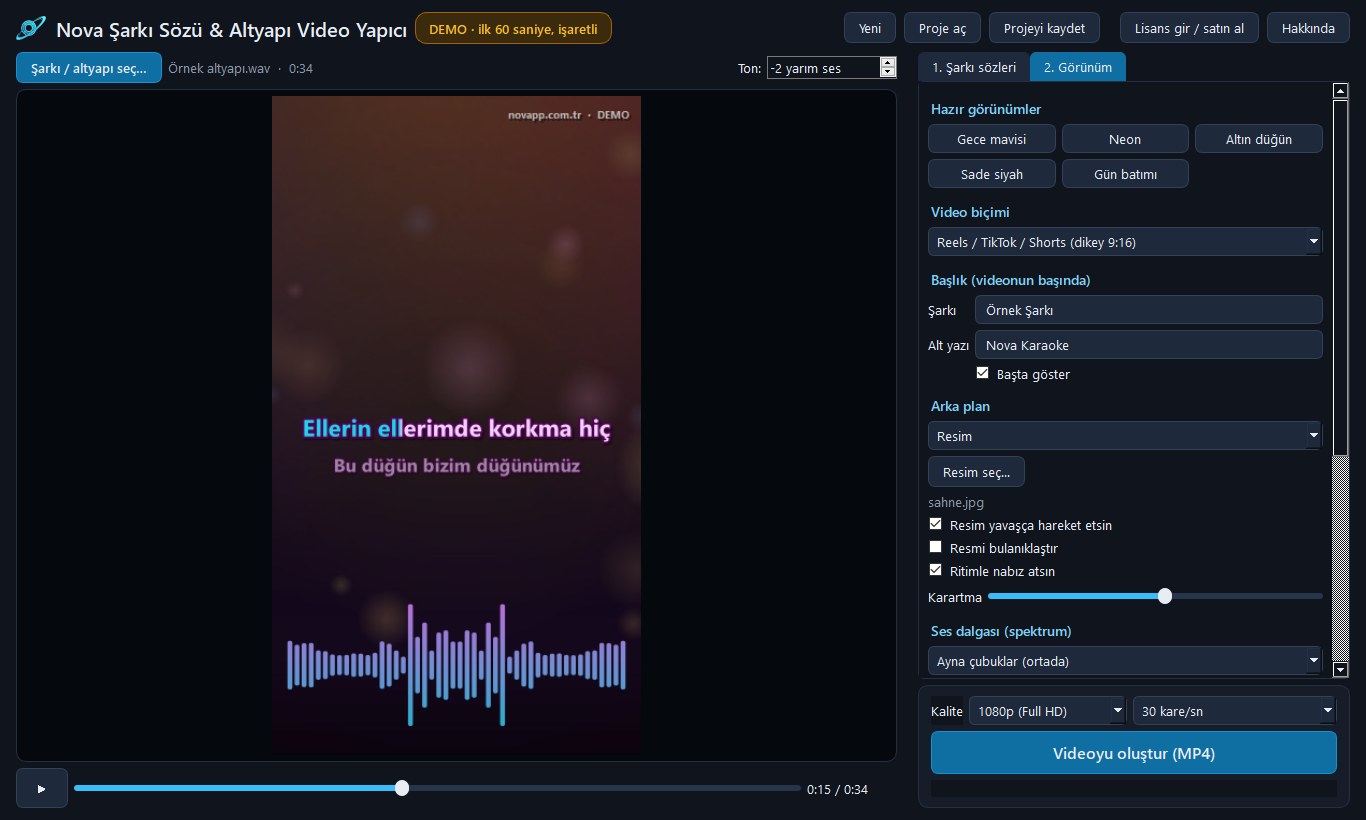
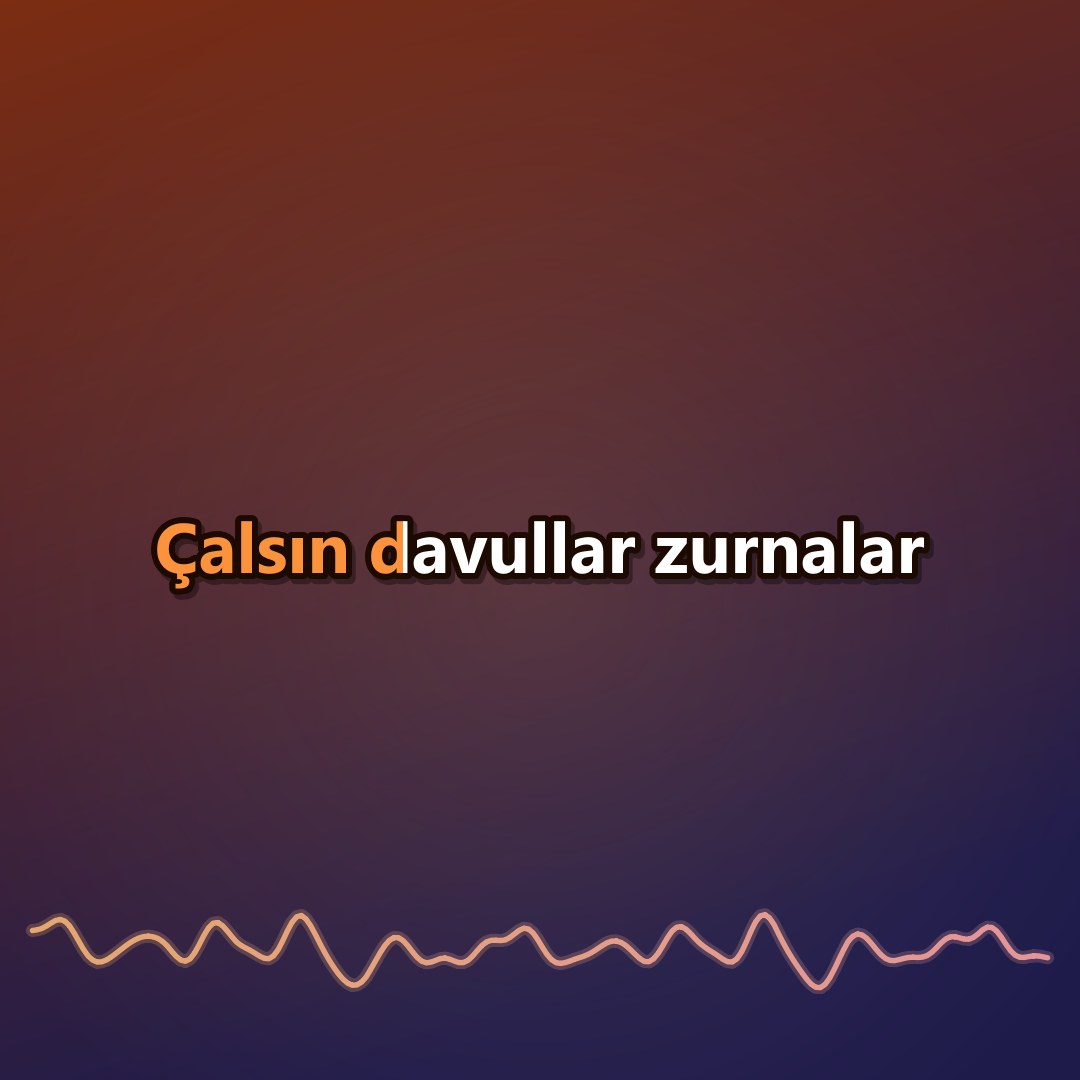
- Three video formats: YouTube (landscape 16:9), Reels / TikTok / Shorts (portrait 9:16) and square (1:1); 1080p or 720p, 30 or 60 fps.
- Background: your own picture (moves slowly, can be blurred and darkened) or a colour gradient.
- Sound spectrum: bars, mirrored bars, circle or wave line; a background that pulses with the beat.
- Key change: raise or lower the key between −6 and +6 semitones without changing the speed; the lyric times stay the same.
- Ready looks: Night blue, Neon, Golden wedding, Plain black, Sunset.
- Title card: the song's name and a subtitle at the start of the video.
- Projects: reopen an unfinished video later; save the lyrics as LRC.
No watermark, offline
No one else's name or logo on your videos. Everything runs on your computer; your songs are never uploaded and there is no limit on the number of videos. Making a video depends on your computer's speed: on an older 4-core laptop the 1080p video of a 2.5-minute song is ready in about 2 minutes.
Demo and full version
Download the free demo and try every feature: the demo makes the first 60 seconds of the video with a small "DEMO" mark in the corner. With a one-time licence the same program becomes the full version: the whole song, no mark. The licence is activated with your novapp account or a serial from your dealer and works on one computer.
System: Windows 10 / 11 (64-bit), 4 GB memory, about 300 MB of disk space.
Key features
- Timed karaoke lyrics with a colour sweep
- Time the lyrics by ear with the Space key
- LRC, word-timed LRC, SRT and plain text
- YouTube 16:9, Reels / TikTok / Shorts 9:16 and square video
- Moving background from your own picture, or a colour gradient
- Sound spectrum as bars, mirrored bars, circle or wave
- Key change: −6 / +6 semitones without changing speed
- 5 ready looks, title card, count-in
- 1080p / 720p, 30 / 60 fps MP4 (H.264 + AAC)
- No watermark, no subscription, fully offline
- Free demo: the first 60 seconds of the video
Screenshots
Development log
-
Fix v1.0.1
1.0.1: lisans düzeltmesi
Lisans girildikten sonra programın açılmaması düzeltildi.
-
Version v1.0.0
1.0.0 yayında
İlk sürüm: zamanlı karaoke sözleri, kulakla zamanlama, arka plan, ses dalgası, ton değiştirme; YouTube, Reels/TikTok ve kare MP4 video. Ücretsiz demo: videonun ilk 60 saniyesi.
Similar products
Nova Vocal Remover
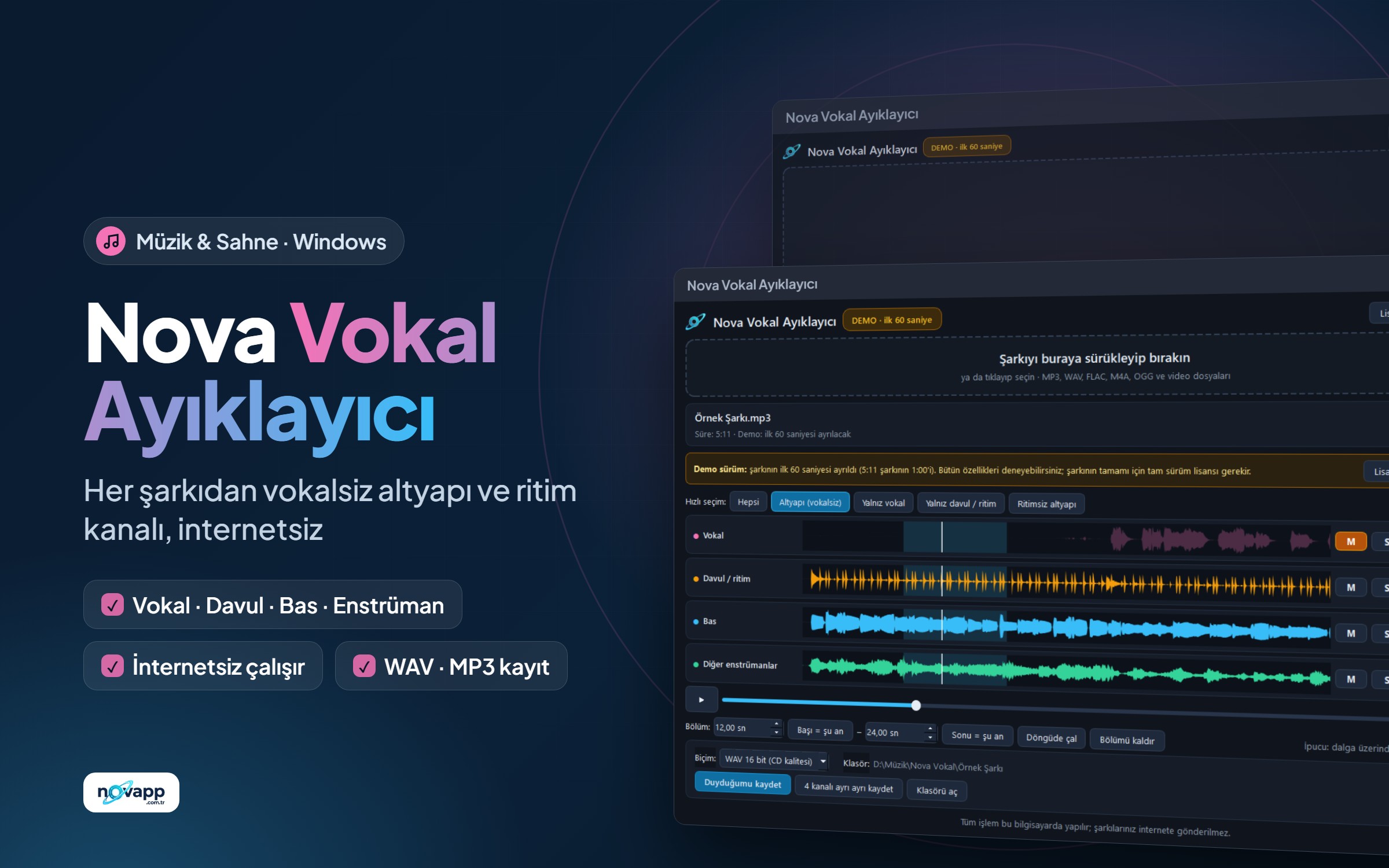
A vocal-free backing track and a rhythm stem from any song — offline
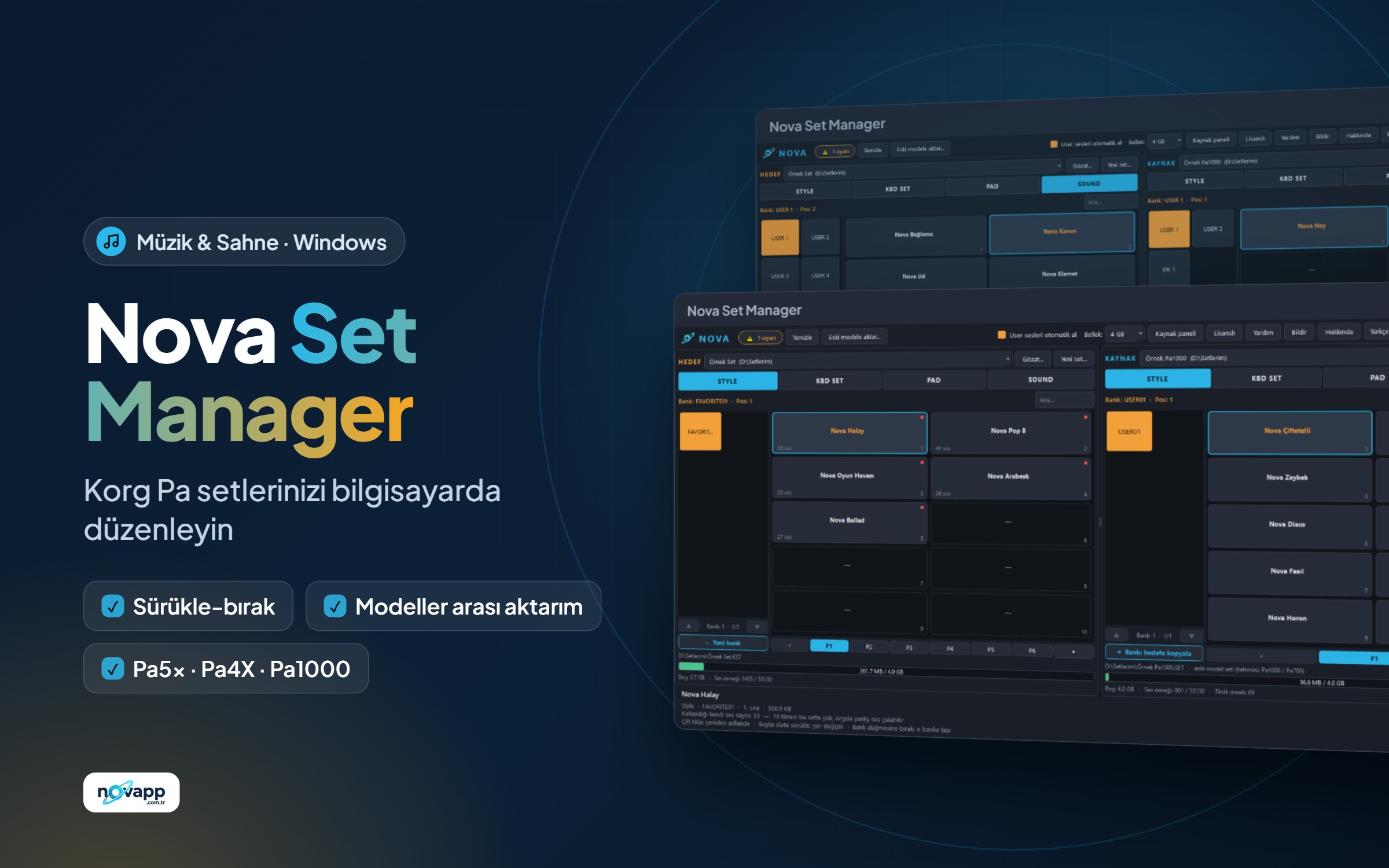
Nova Set Manager
Edit, merge and convert your Korg Pa sets between models on your computer
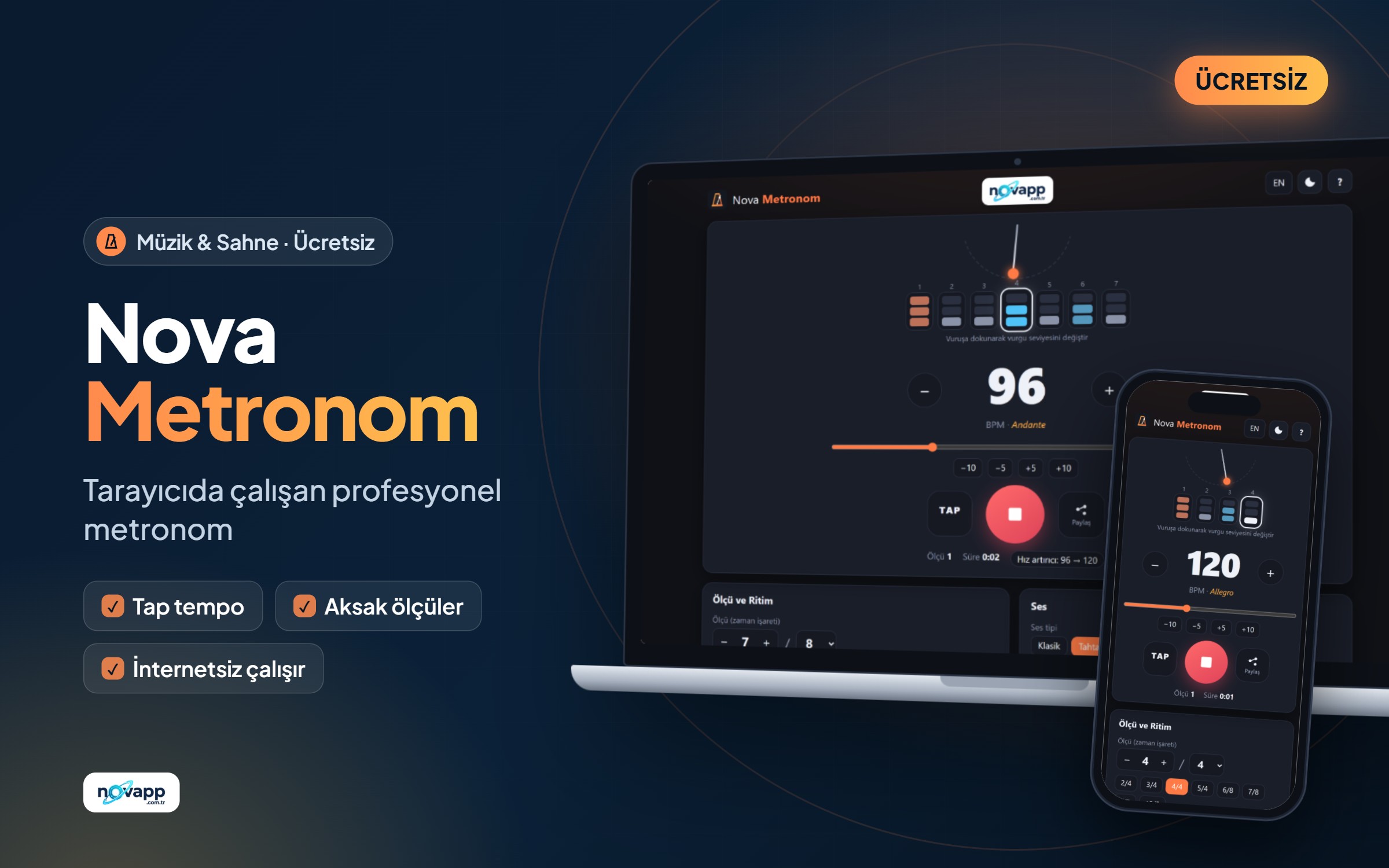
Nova Metronome
Free online metronome: opens in your browser, no installation or sign-up needed